
Introducing Content Types & Channels
Scale moderation across chat, reviews, and profiles with content channels. Set distinct policies, separate review queues, and improve accuracy by declaring content types.

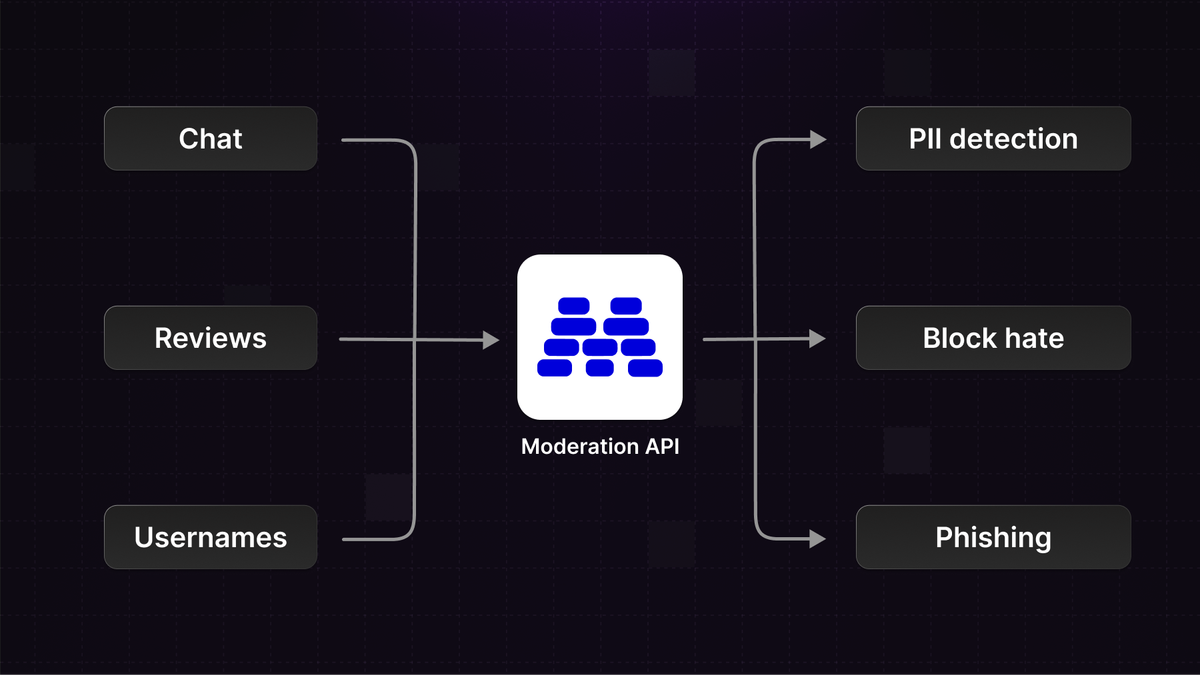
Most platforms have multiple types of content, and each type needs tailored rules
Today we’re making it easy to apply the right policy, queue, and thresholds per content type.
Content channels unlock use cases such as:
- Separate policies for chats vs. listings.
- Stricter rules for new accounts; lenient for trusted, paying users.
- Dedicated review queues per channel to speed triage.
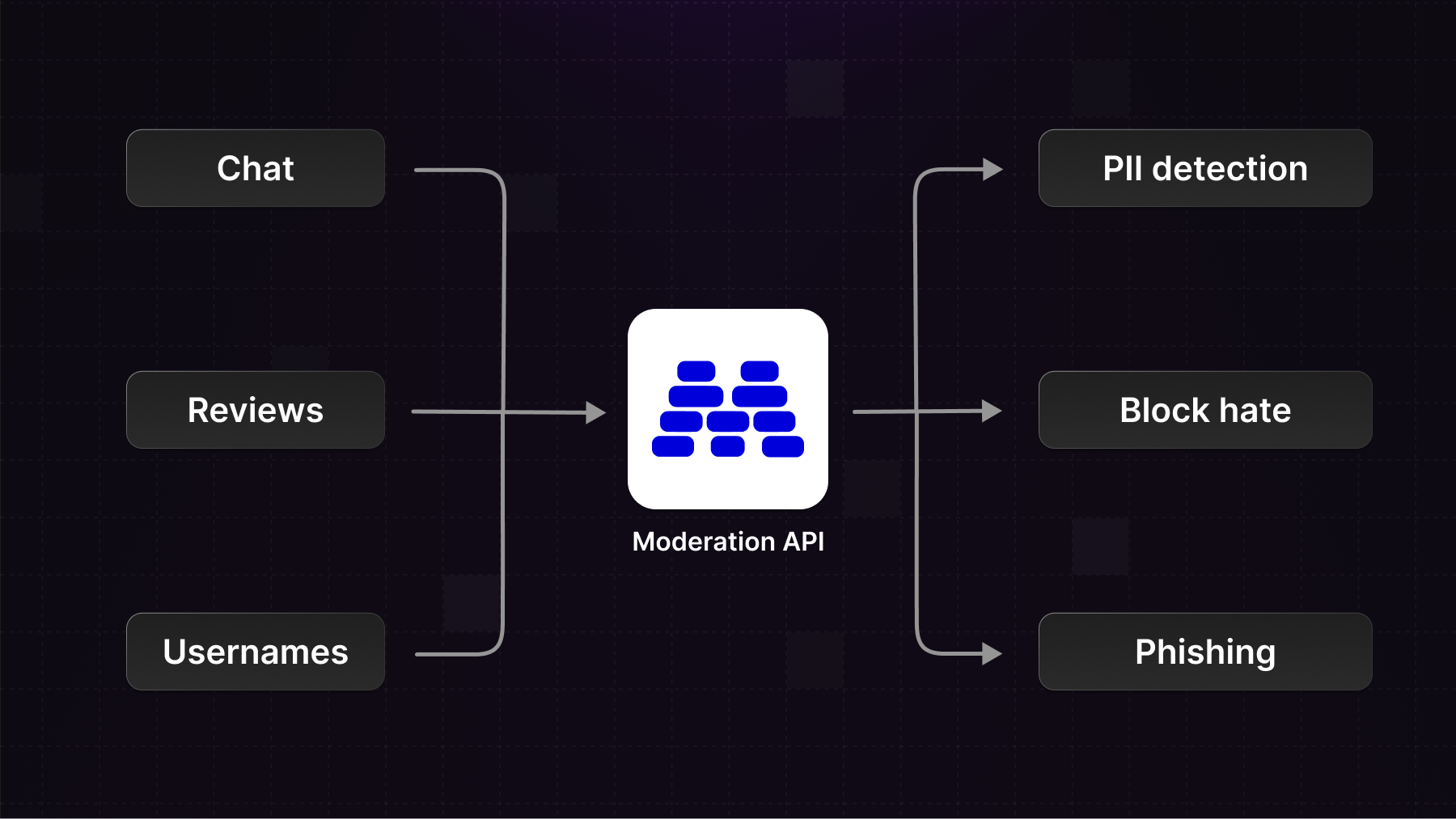
How it works
When you set up a new project, first create a content channel.
A channel can represent any source of content, but usually a channel for each type of content makes the most sense.
For example: messages, reviews, usernames.
Next, you'll configure the moderation policies for a channel. This way you can choose to moderate content differently depending on which channel you send it to.
Channels all live under a project, and all requests are scoped to the parent project.
Data therefore stays in the parent project and you can make use of this to set up development environments or tenant projects.
Getting started
Start by creating a new channel or navigate to one of your existing channels.
Take notice of the channel key in the sidebar. You can change the channel key to anything you please, as long as it is unique across the project channels.
Now when you make a request to the API you can add the channel key to route the content:
import ModerationAPI from "@moderation-api/sdk";

const moderationApi = new ModerationAPI();

const result = await moderationApi.content.submit({
  content: {
    type: "text",
    text: "LAUNCH WEEK!!!",
  },
  channel: "messages" // <--- add the channel key here
});
Content types
You'll notice you can also specify a content type for a channel.
Declaring content types improves model routing and flag precision, and it improves on how the dashboard displays content.
As of writing the supported content types are:
- profile
- message
- post
- comment
- event
- product
- review
- other
Dashboard behavior
In the dashboard different content types show up in more meaningful ways. Messages and comments appear with conversation context; profiles show up with picture, username, and description.
The metaType field in the API temporarily overrides a channel’s default content type for a single submission.
import ModerationAPI from "@moderation-api/sdk";

const moderationApi = new ModerationAPI();

const result = await moderationApi.content.submit({
  content: {
    type: "text",
    text: "LAUNCH WEEK!!!",
  },
  channel: "messages",
  metaType: "comment" // <--- override the content type
});
Wrap-up
We're excited to see how channels can help improve your content moderation.
Please reach out if you need help setting up your project and getting the most out of channels.