
Trust levels
Moderation isn't only about finding bad actors. It's about recognizing who's trustworthy. Introducing Trust Levels.

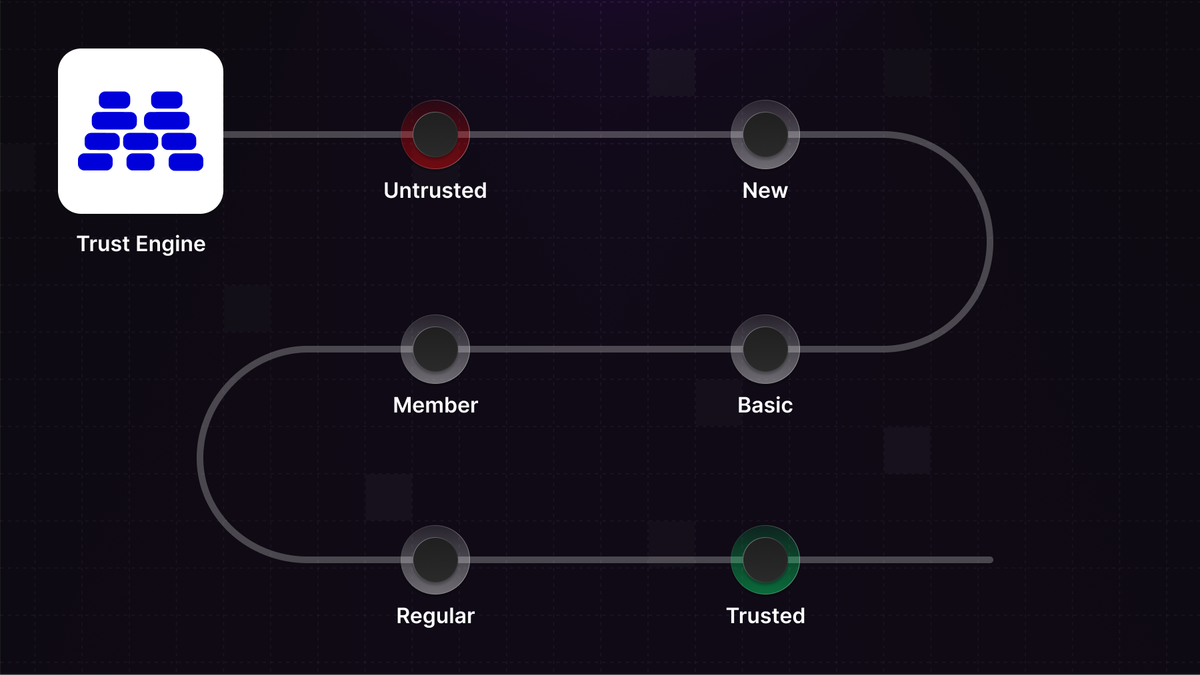
Usually we're focused on the content of a message. Is it spam, is it toxic, does it violate guidelines? But behind every piece of content is a sender. In Moderation API we call them authors.
Taking a step up and moderating at the author level lets you act proactively instead of reactively. You're identifying patterns of behavior over time.
It also flips the script. Moderation isn't only about finding bad actors anymore. It's about recognizing who's trustworthy.
We call this Trust Levels.
Once your users have trust levels, you can treat them differently:
- Auto-approve content from trusted users
- Hold new user content for review
- Rate limit or restrict untrusted accounts
- Unlock features like images or links at higher levels
How it works
Trust levels are calculated automatically based on user behavior. We look at the ratio of flagged content, account age, and volume of clean content. An old account with lots of good messages is trustworthy. A new account that immediately posts harmful content is not.
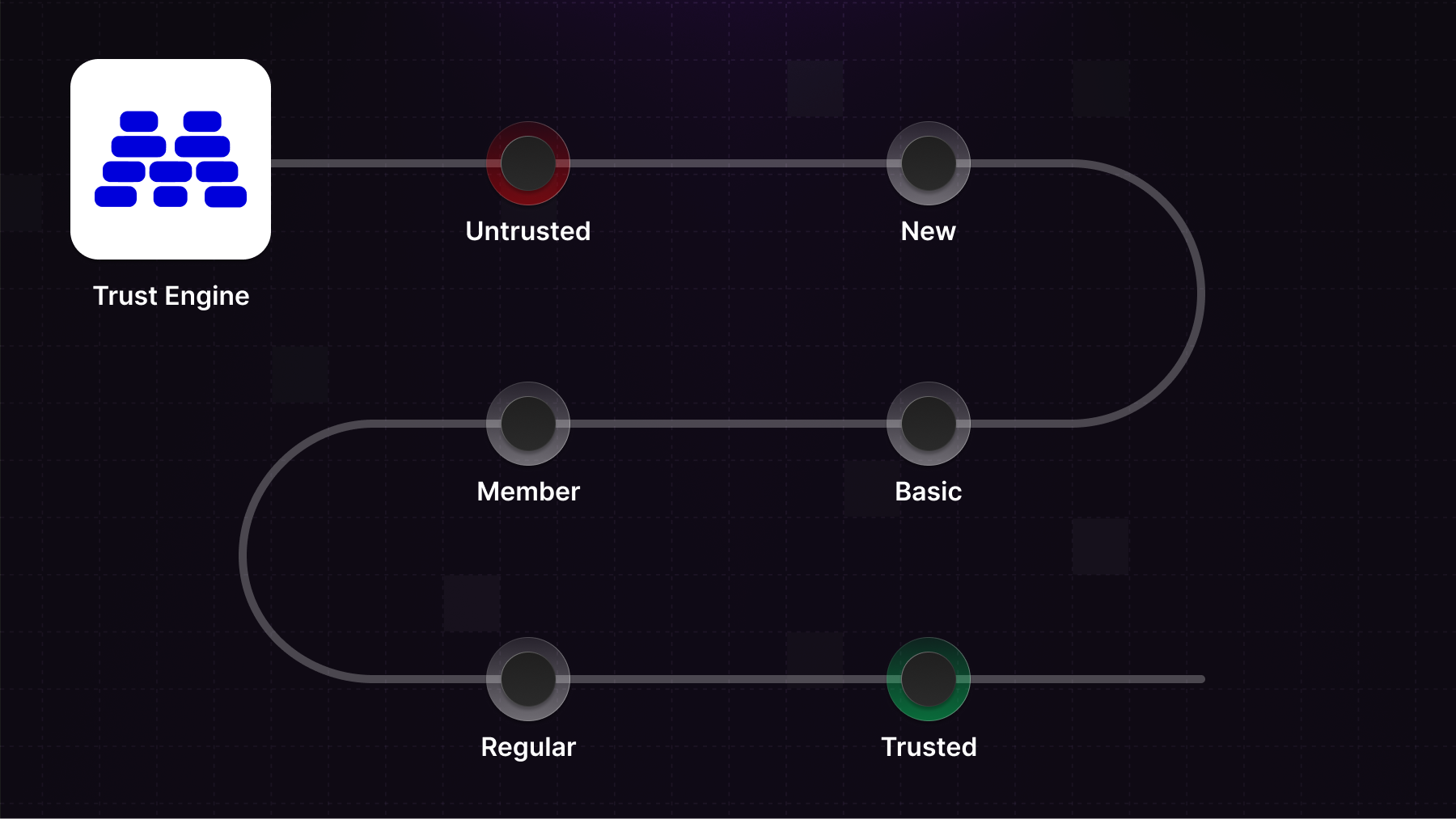
Authors progress through six trust levels:
- Untrusted: Account has shown bad behavior early on
- New: Fresh account, no track record yet
- Basic: Some activity, starting to build history
- Member: Established account with consistent good behavior
- Regular: Long-term member with a strong track record
- Trusted: Manually promoted by you, your most reliable users
Notice that trusted is manual promotion only. Automated systems are good at spotting patterns, but the highest level of trust should be a human decision.
You can also adjust any user's trust level manually at any time.
The trust level also feeds into our recommendation algorithm. More on that tomorrow.
Getting started
Make sure you submit an author ID together with the content. The trust level is returned with moderation results.
const result = await moderationApi.content.submit({
  content: {
    type: "text",
    text: content,
  },
  authorId: authorId
});


// trust level (-1, 0, 1, 2, 3, or 4)
const trustLevel = result.author.trust_level;

if (trustLevel.level < 0) {
  // Handle untrusted authors
}
You can also pull an author directly.
const author = await moderationApi.authors.retrieve('author_123');

// trust level (-1, 0, 1, 2, 3, or 4)
const trustLevel = author.trust_level.level;
And you can listen to webhooks for changes in trust level.
const handler = async (req, res) => {
  const webhookRawBody = await buffer(req);
  const webhookSignatureHeader = req.headers["modapi-signature"];

  const payload = await moderationApi.webhooks.constructEvent(
    webhookRawBody,
    webhookSignatureHeader
  );

  if(payload.type === "AUTHOR_TRUST_CHANGE"){
    // trust level (-1, 0, 1, 2, 3, or 4)
    const trustLevel = payload.author.trust_level.level;
    // handle new trust level
  }

  res.json({ received: true });
};
Customizing trust levels
Different communities have different tolerances. A gaming community might be more lenient than a kids' platform. A marketplace might want a longer "new" period than a social app.
You can adjust how many days a user is considered new, and set your threshold for flagged content before an author becomes untrusted.
What's next
Tomorrow we're launching something that builds directly on trust levels. Stay tuned.
Questions? Reach out or read more in the docs about trust levels.